What is the Initial Assessment Questionnaire (IAQ)?
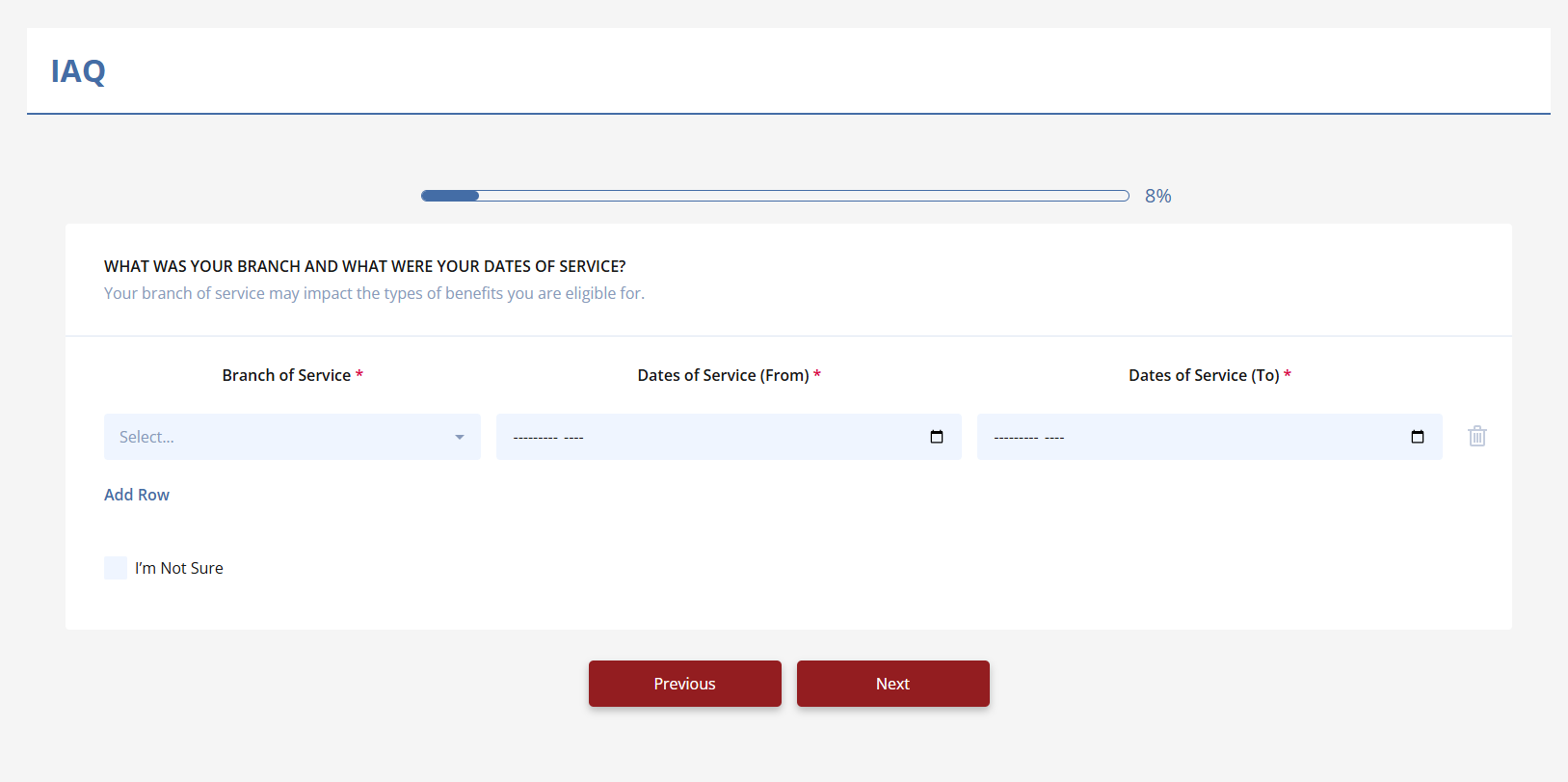
Understanding the Initial Assessment Questionnaire (IAQ)
The Initial Assessment Questionnaire (IAQ) is the first and most crucial step in the VetVantage process. It gathers essential information to assess whether a veteran qualifies for assistance in filing for a disability benefits increase. Completing the IAQ is necessary to unlock the rest of the application and move forward in the process.
What Information Does the IAQ Collect?
The IAQ gathers key details about the veteran’s current benefits and personal situation, including:
- Number of dependents (spouse, children, etc.).
- Current VA disability rating (percentage assigned by the VA).
- Monthly compensation amount (how much they currently receive).
- Snapshot of VA benefits (option to upload a benefits summary for easier processing)
Why is the IAQ Important?
- It helps determine eligibility for an increase
- It provides a starting point for the application process
- It allows VetVantage to offer personalized guidance based on the veteran’s current benefits
How to Complete the IAQ
- Fill out the questionnaire with accurate details about your VA benefits
- Upload a screenshot of your VA benefits summary (optional but recommended)
- Submit the IAQ to unlock the next steps in the VetVantage process
By completing the IAQ, veterans ensure a smoother and more efficient experience, setting themselves up for the best possible chance of increasing their disability benefits.
Related Articles
How do I complete the IAQ?
Steps to Complete the IAQ 1. Access the IAQ Log into your VetVantage account. Navigate to the Initial Assessment Questionnaire (IAQ) section. 2. Answer All Questions Provide accurate information regarding your VA benefits, current rating, dependents, ...How did I get locked out of the IAQ?
Answer: You might get locked out of the IAQ for a few reasons, depending on the answers you provided during the assessment. Please reach out to support so someone can help you with this issue. Reasons You May Be Locked Out The VetVantage system ...What is a Personal Assessment Questionnaire (PAQ)?
Answer: The PAQ (Personal Assessment Questionnaire) is similar to the DBQ (Disability Benefits Questionnaire). However, while a DBQ can only be completed and signed by a medical provider, the PAQ is a self-assessment that allows veterans to document ...How do I get my snapshot?
Answer: To get your snapshot, log into your VA.gov account, navigate to your benefits summary, and take a screenshot using your device. To take a screenshot follow the directions below. Steps to Get Your Snapshot 1. Sign In to Your VA.gov Account Go ...What should I bring to my assessment?
Answer: Bring anything you believe is necessary to support your medical claim for an increase. To ensure that you and your doctor are on the same page, please use ask for the required documents ahead of time. What to Bring? For In-Person ...