How do I complete the IAQ?
Steps to Complete the IAQ
1. Access the IAQ
- Log into your VetVantage account.
- Navigate to the Initial Assessment Questionnaire (IAQ) section.
2. Answer All Questions
- Provide accurate information regarding your VA benefits, current rating, dependents, and other relevant details
- Ensure you complete every section, as incomplete responses may prevent progress
3. Submit Your IAQ
- Once all questions are answered, review your responses
- Click Submit to complete the assessment
Locked Out of the IAQ?
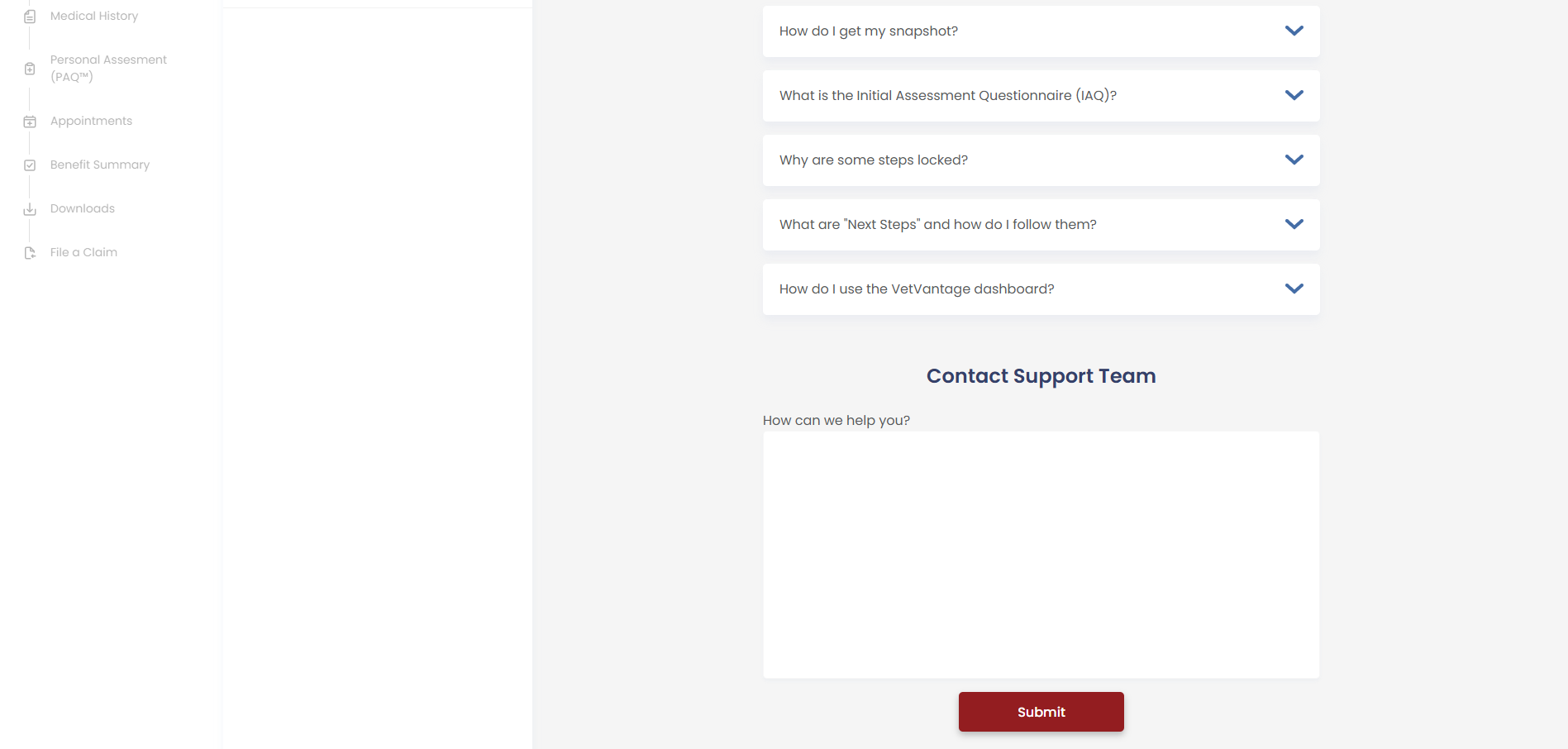
If you’re unable to proceed with the IAQ or are locked out, you can reach out for assistance:
- Visit the Support Page here
- This will connect you with the VetVantage team, who can help re-activate your IAQ or explain why you cannot continue
Completing the IAQ is the first essential step in the VetVantage process—make sure to finish it fully to move forward!
Related Articles
What is the Initial Assessment Questionnaire (IAQ)?
Understanding the Initial Assessment Questionnaire (IAQ) The Initial Assessment Questionnaire (IAQ) is the first and most crucial step in the VetVantage process. It gathers essential information to assess whether a veteran qualifies for assistance in ...How did I get locked out of the IAQ?
Answer: You might get locked out of the IAQ for a few reasons, depending on the answers you provided during the assessment. Please reach out to support so someone can help you with this issue. Reasons You May Be Locked Out The VetVantage system ...How do I get my snapshot?
Answer: To get your snapshot, log into your VA.gov account, navigate to your benefits summary, and take a screenshot using your device. To take a screenshot follow the directions below. Steps to Get Your Snapshot 1. Sign In to Your VA.gov Account Go ...How Do I Complete My PAQ?
Steps to Complete Your PAQ 1. Select a PAQ On the PAQ page, find the condition you wish to complete Click on the PAQ you want to start or continue 2. Answer the Questions The PAQ functions like a typical questionnaire As you answer questions, ...How to Complete and Submit the SF-180 Request for Military Records
The Standard Form 180 (SF-180) is used to request military service records, including DD214 forms, medical records, personnel files, and other military documentation. This guide explains how veterans can complete the form and submit their request for ...