How Do I Complete My PAQ?
Steps to Complete Your PAQ
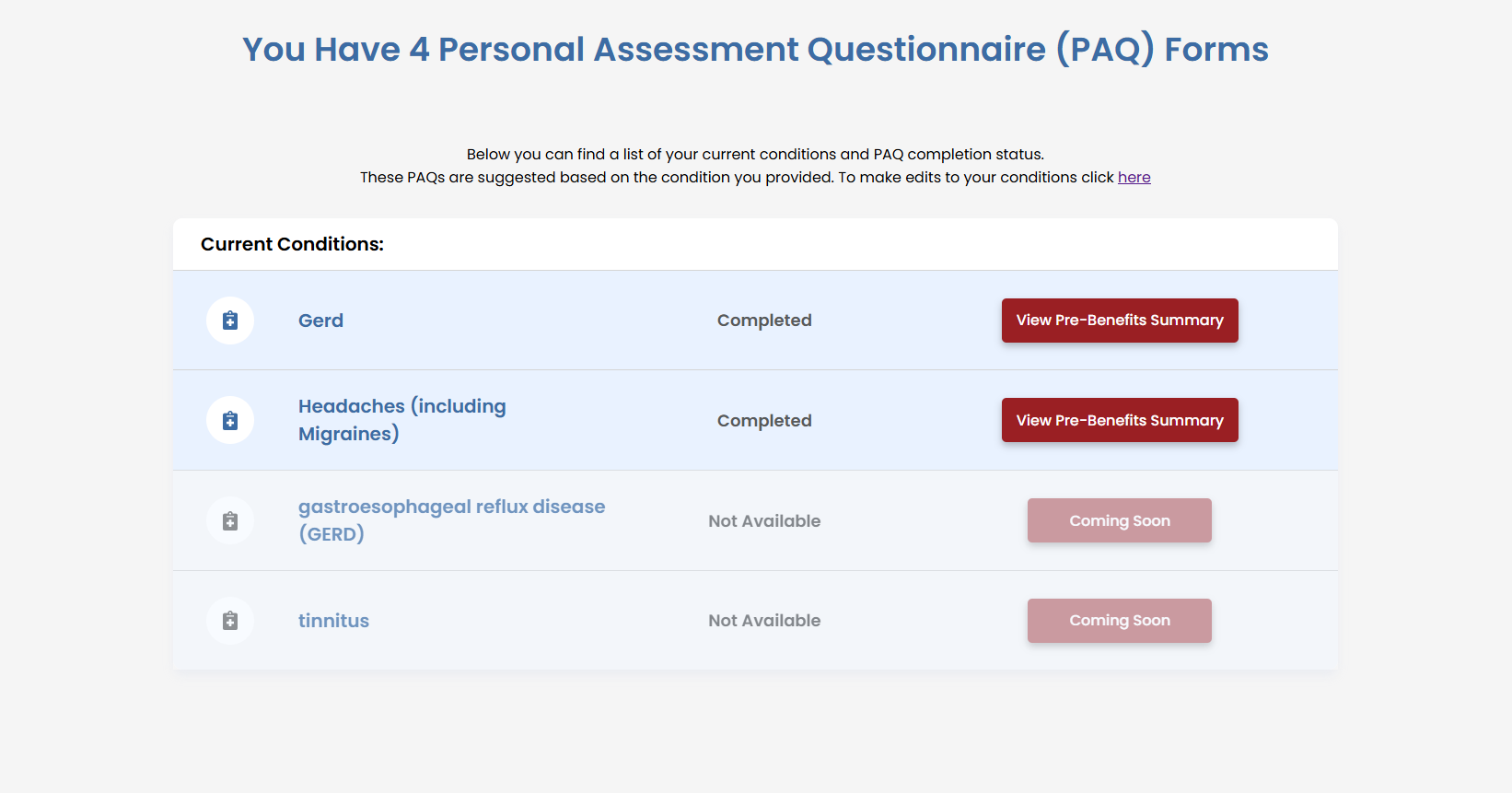
1. Select a PAQ
- On the PAQ page, find the condition you wish to complete
- Click on the PAQ you want to start or continue
2. Answer the Questions
- The PAQ functions like a typical questionnaire
- As you answer questions, additional questions may appear if more details are needed
- Otherwise, you can proceed to the next section
3. Review Your Answers
- At the end of the PAQ, click the "Show Summary" button
- This allows you to review all answers before submission
- If needed, you can edit any response
4. Submit Your PAQ
- Once satisfied with your answers, click "Complete"
- This finalizes your PAQ and allows you to move forward in the VetVantage process
Related Articles
What is a Personal Assessment Questionnaire (PAQ)?
Answer: The PAQ (Personal Assessment Questionnaire) is similar to the DBQ (Disability Benefits Questionnaire). However, while a DBQ can only be completed and signed by a medical provider, the PAQ is a self-assessment that allows veterans to document ...
How do DBQs impact my claim?
How DBQs Affect Your Claim: 1. Provide Medical Evidence DBQs are key documents that help the VA assess your condition They provide standardized medical information to support your claim 2. Determine Your Disability Rating The severity of your ...
How do I complete the IAQ?
Steps to Complete the IAQ 1. Access the IAQ Log into your VetVantage account. Navigate to the Initial Assessment Questionnaire (IAQ) section. 2. Answer All Questions Provide accurate information regarding your VA benefits, current rating, dependents, ...
How to Complete and Submit the SF-180 Request for Military Records
The Standard Form 180 (SF-180) is used to request military service records, including DD214 forms, medical records, personnel files, and other military documentation. This guide explains how veterans can complete the form and submit their request for ...
Video: How to Start/Run/Complete an Online Appointment