How Does My ITF Get Sent to the VA?
How Does This Work?
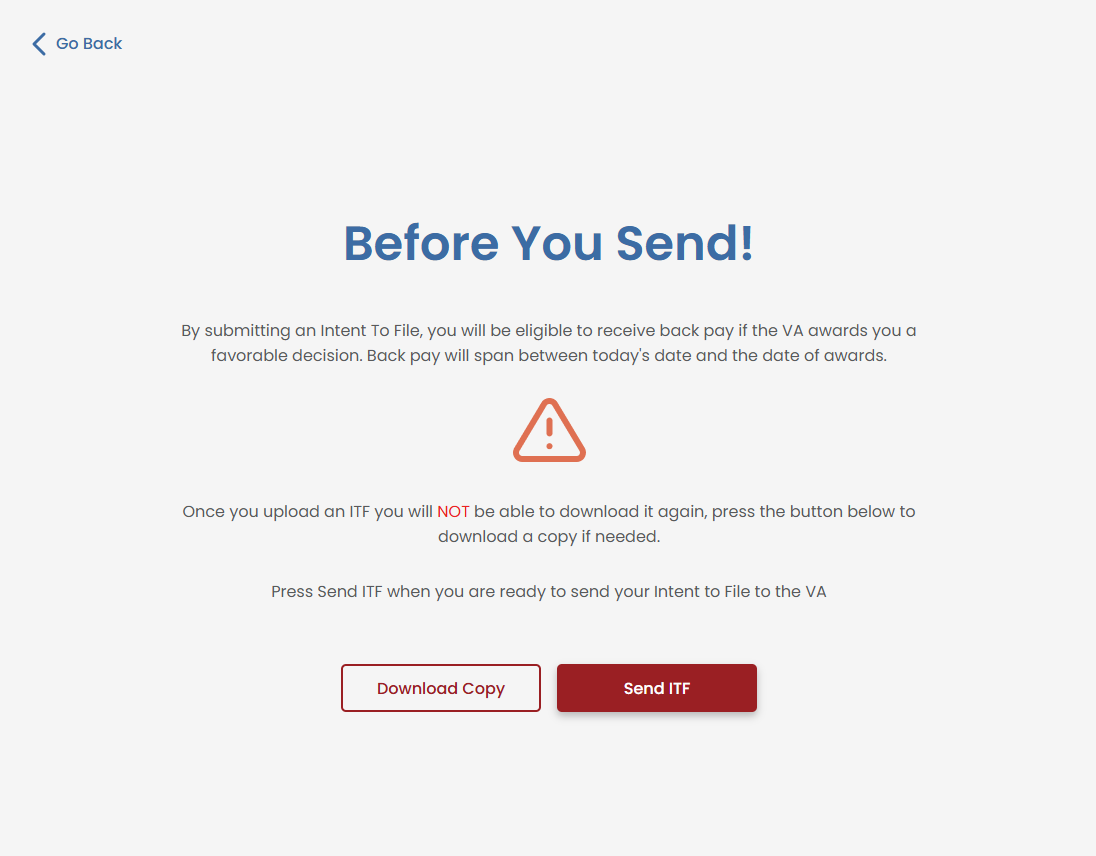
VetVantage uses electronic faxing services, such as eFax or similar platforms, to securely transmit your ITF and claims documents to the VA. This method allows for:
- Fast & Secure Submission – Your documents are sent digitally, ensuring quick processing
- VA Compliance – The VA accepts faxed submissions for ITFs and claims, making this an approved method
- Seamless Integration – The documents you complete during the VetVantage process are automatically formatted and sent through the electronic fax service
What Do I Need to Do?
Once you complete your ITF through VetVantage, our system will handle the submission process. You don’t need to manually send anything—our platform ensures your ITF is transmitted correctly and securely to the VA
If you have any concerns about your submission, you can check with the VetVantage team to confirm receipt and processing status
Related Articles
What is an Intent to File (ITF) VA-21-0966?
Answer: The Intent to File (ITF) is an official form from the Department of Veterans Affairs (VA) that declares a veteran’s intent to file for an increase in their disability benefits. This is done using VA Form 21-0966 Why is the ITF Important? ...How to get you SnapShot
Answer: To get your snapshot, log into your VA.gov account, navigate to your benefits summary, and take a screenshot using your device. To take a screenshot follow the directions below. Steps to Get Your Snapshot 1. Sign In to Your VA.gov Account Go ...How do I get my snapshot?
Answer: To get your snapshot, log into your VA.gov account, navigate to your benefits summary, and take a screenshot using your device. To take a screenshot follow the directions below. Steps to Get Your Snapshot 1. Sign In to Your VA.gov Account Go ...How did I get locked out of the IAQ?
Answer: You might get locked out of the IAQ for a few reasons, depending on the answers you provided during the assessment. Please reach out to support so someone can help you with this issue. Reasons You May Be Locked Out The VetVantage system ...Where can I get my condition information?
Steps to Find Your Condition Information on VA.gov Visit VA.gov – Go to the official VA website Sign In to Your Account – Use ID.me, DS Logon, or My HealtheVet credentials Navigate to Disability Benefits – Once logged in, find the section labeled ...