How Do I Get My Medical Documents?
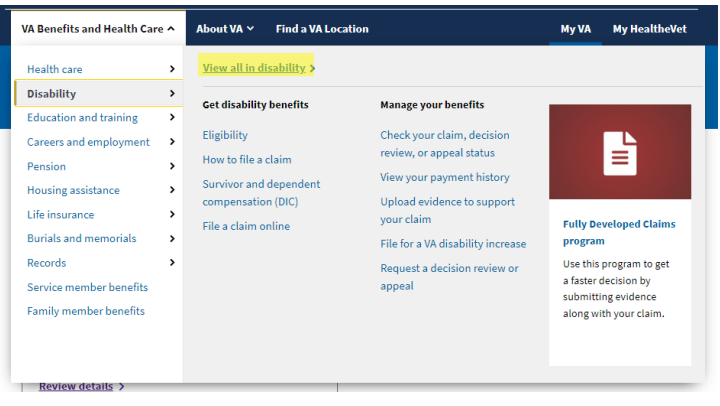
You can access and request your medical documents through the VA website: VA Medical Records Request
Accessing Your Medical Records via VA Blue Button
The VA Blue Button is a tool that allows veterans to securely view, download, and share their health records. Here’s how you can retrieve your documents
1. Sign In to VA.gov
- Go to VA.gov
- Log in using your Login.gov, ID.me, DS Logon, or My HealtheVet credentials
2. Navigate to the Health Records Section
- Once logged in, select "Health Records"
- Click on "VA Blue Button Report"
3. Select the Information You Need
- Choose the specific records you want (e.g., prescriptions, lab results, doctor’s notes)
- You can also download a complete summary of your medical records
4. Download Your Records
- Click "Download PDF" or "Download TXT" to save a copy
- Ensure you store your records securely
5. Request Records by Mail (Optional)
- If you prefer, you can request a physical copy of your medical records by submitting VA Form 10-5345 to your VA facility
Related Articles
How do I upload my medical documents?
Steps to Upload Your Medical Documents 1. Navigate to the Medical History Page Go to the Medical History section in VetVantage 2. Click the "Upload" Button Locate the Upload button on the page (as shown in the screenshot) 3. Choose the Correct File ...Why do I need to submit my medical history?
Your medical history will be summarized and reviewed by your doctor during each visit to ensure accurate assessments of your conditions. The Importance of Submitting Your Medical History Submitting your medical history is a crucial step in the ...How to Download VA Medical Records Online
How to Download Your VA Medical Records Follow the steps below to access and download your medical records through VA.gov using the My HealtheVet system. Step 1 — Sign In to VA.gov Open your web browser and go to the VA.gov website. Select the Sign ...How to Download Your VA Medical Records(GENESIS)
How to Download VA Medical Records Online Veterans can securely access and download medical records online through VA.gov using the My HealtheVet system. This process allows you to review healthcare documentation, download visit summaries, save ...How to Upload Supporting Documents to the VA Using AccessVA QuickSubmit
This guide explains how veterans can securely upload supporting documents to the Department of Veterans Affairs through the AccessVA QuickSubmit portal. This process is commonly used to submit medical records, supporting evidence, claim ...